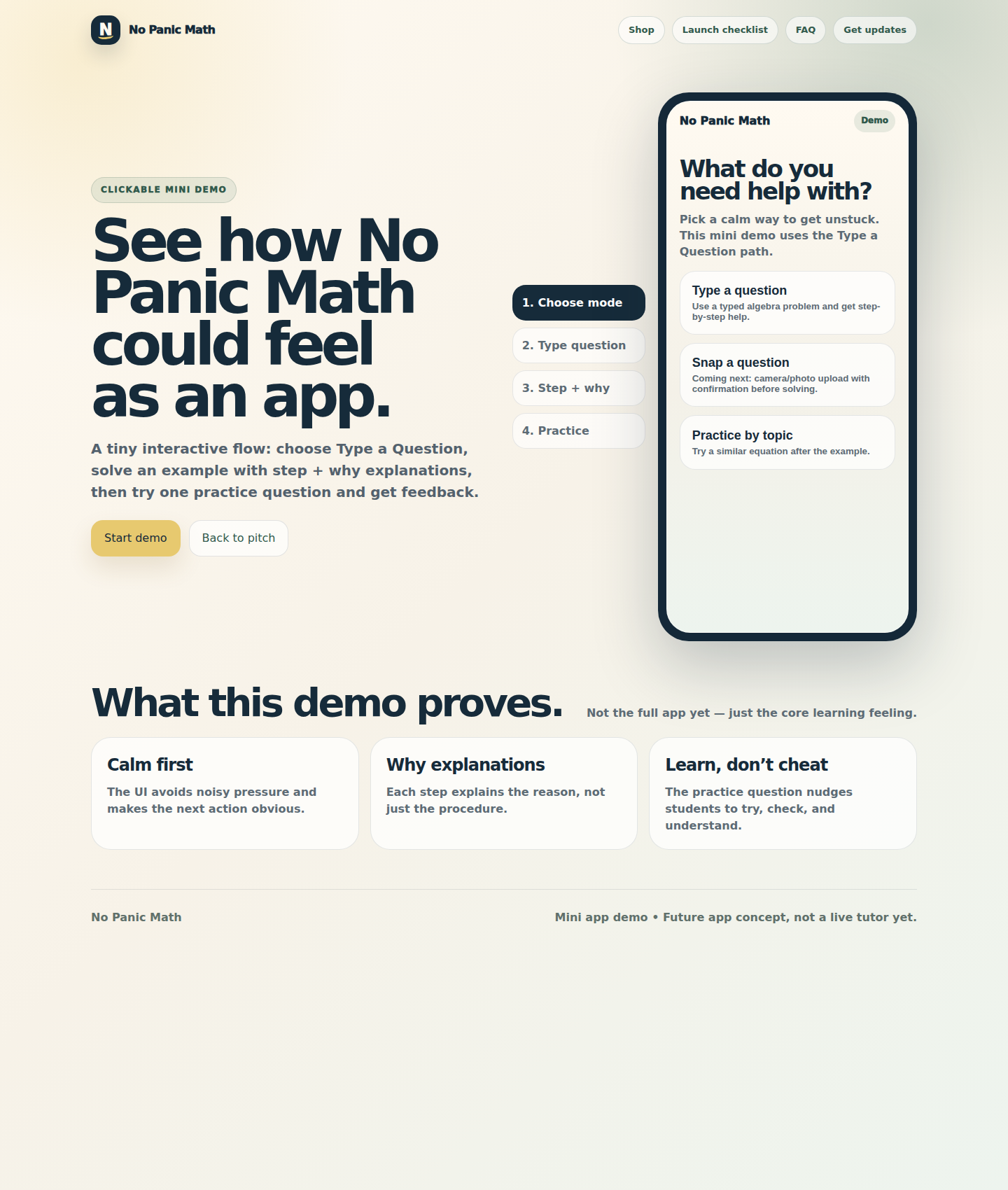
Demo 1
Type a Question
A student types a math problem, gets a calm step-by-step explanation, then tries a similar practice question.
- Goal → step → why → check structure
- Practice answer checking
- Learn-don’t-cheat positioning
No Panic Math can grow beyond printable packs into a tutor app that helps students type, snap, or practice a question — while still explaining the why behind each step.
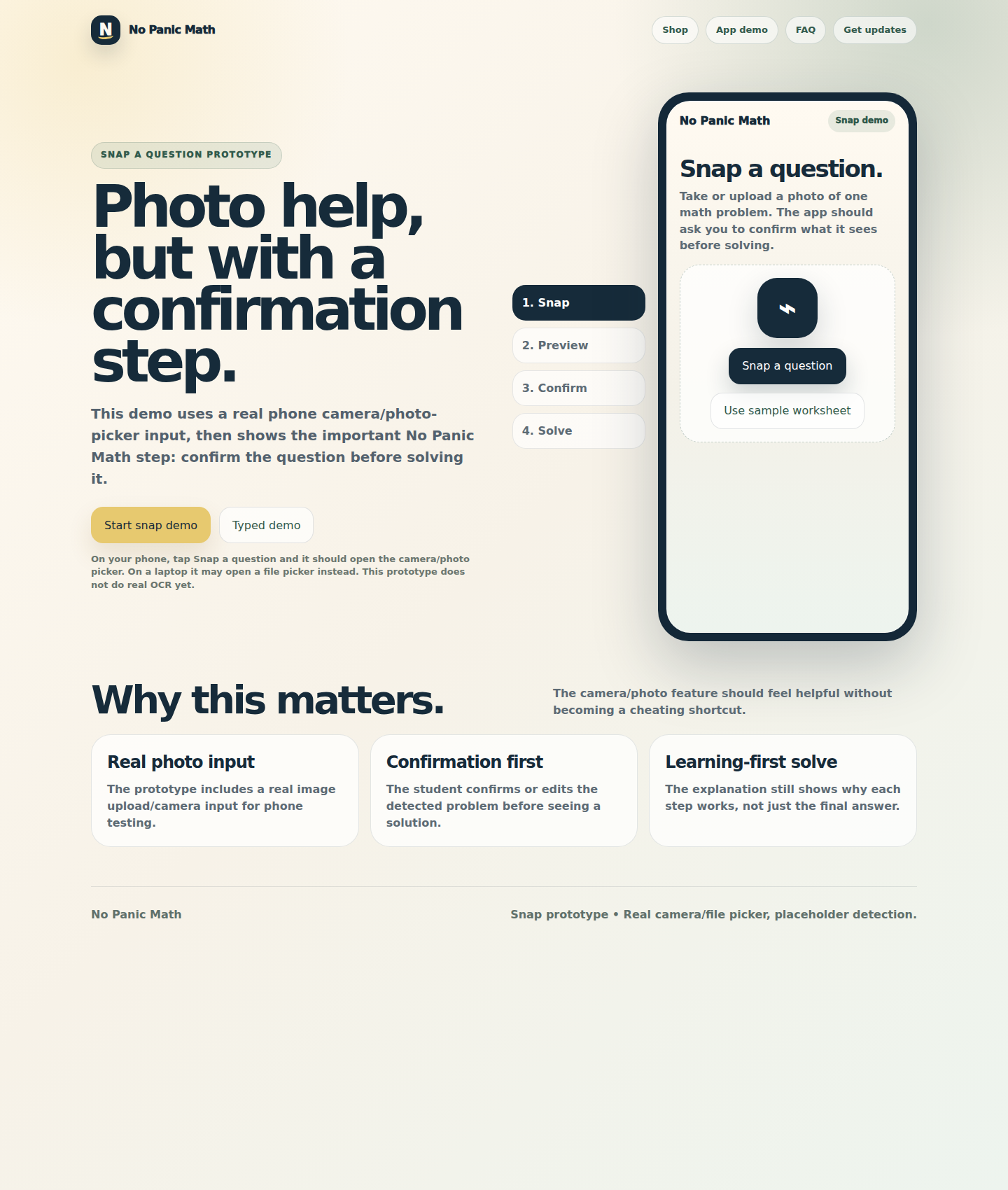
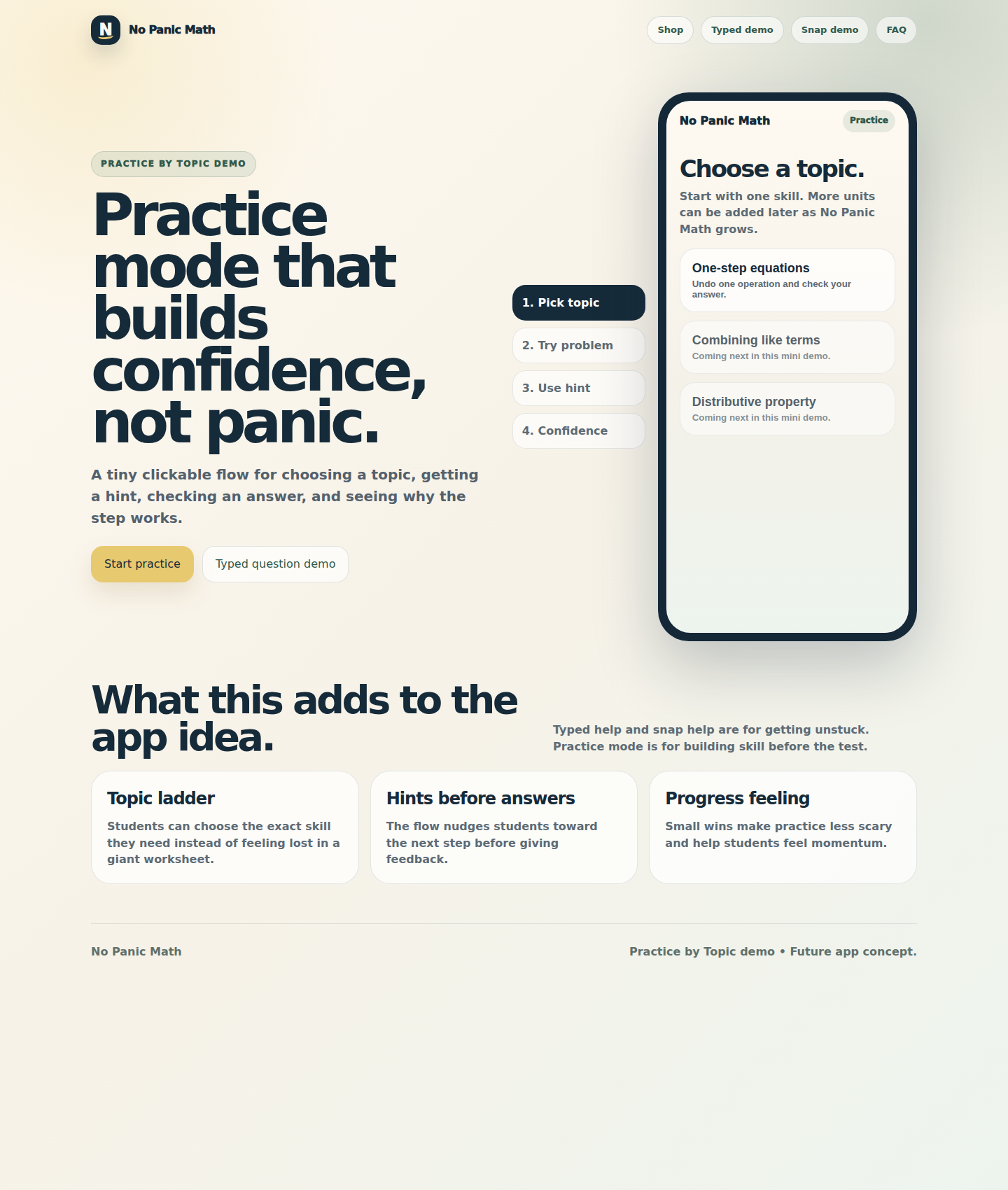
Typed question, Snap a Question, and Practice by Topic are now prototype paths.
These are not live AI tutoring tools yet. They are clickable product demos that show the learning experience and the direction of the future app.
A student types a math problem, gets a calm step-by-step explanation, then tries a similar practice question.
A student opens the camera/photo picker, previews the image, confirms the question, then gets help only after checking it is the right problem.
A student picks a topic, tries a problem, asks for a hint, and earns a small confidence point after understanding the why.
That is the No Panic Math difference: every flow slows the student down enough to understand what they are doing and why it works.
Especially for photo questions, the app should make sure it read the right problem before giving help.
Students get nudged toward the next step so they still do the thinking.
The app should build confidence with one similar question, not end at the final answer.
This hub gives parents, adults, and future testers one clean place to understand what the No Panic Math app could become.